 Shot
ShotLooking for a GoFullPage alternative? Here is what is actually going on.
If you went looking for GoFullPage and could not find it, you are not imagining things. Its main Chrome Web Store listing is unavailable. But it is not dead, the developers are working on getting it back, and a beta listing is still installable right now. Here is what is verified, what your options are, and where we fit, which may be nowhere.
What is actually true
The main listing is unavailable. We check it automatically every twelve hours and it has not resolved on any check since we started monitoring on 15 August 2026.
A beta listing is live and installable. This is the part most "GoFullPage alternative" pages get wrong, including an earlier version of this one. GoFullPage BETA is on the Chrome Web Store right now with an Add to Chrome button. If you just want your tool back, start there and stop reading.
It was a copyright takedown, not a security problem. Several people received scary browser warnings and assumed malware. The developer has said publicly that the removal was "a copyright removal" concerning "a small design element that is not central to our branding", that they fixed it immediately, and that they are working with the Chrome Web Store to restore the listing. If you saw an "unsafe" label, that was the store's generic wording for a takedown, not a finding about the code.
It is expected back. The developers have said they are feeling positive about a path to restoration, without a firm date. We have no stake in that going badly, and this page will be updated when it returns.
Option 1: Chrome can already do this, for free
Before installing anything, know that Chrome has a built-in full-page capture. It is buried, but it is free, needs no extension, and nothing leaves your machine.
- Press F12 (or Cmd+Option+I on a Mac) to open DevTools.
- Press Ctrl+Shift+P (Cmd+Shift+P on a Mac) for the command menu.
- Type
screenshotand choose Capture full size screenshot.
It is genuinely good for a quick one-off. Where it falls down: it saves a PNG and only a PNG, there is no cropping, no PDF, no clipboard, no keyboard shortcut worth the name, and it struggles on pages with sticky headers, which repeat down the image. If you capture pages occasionally, stop here. You do not need us.
Option 2: Shotfold
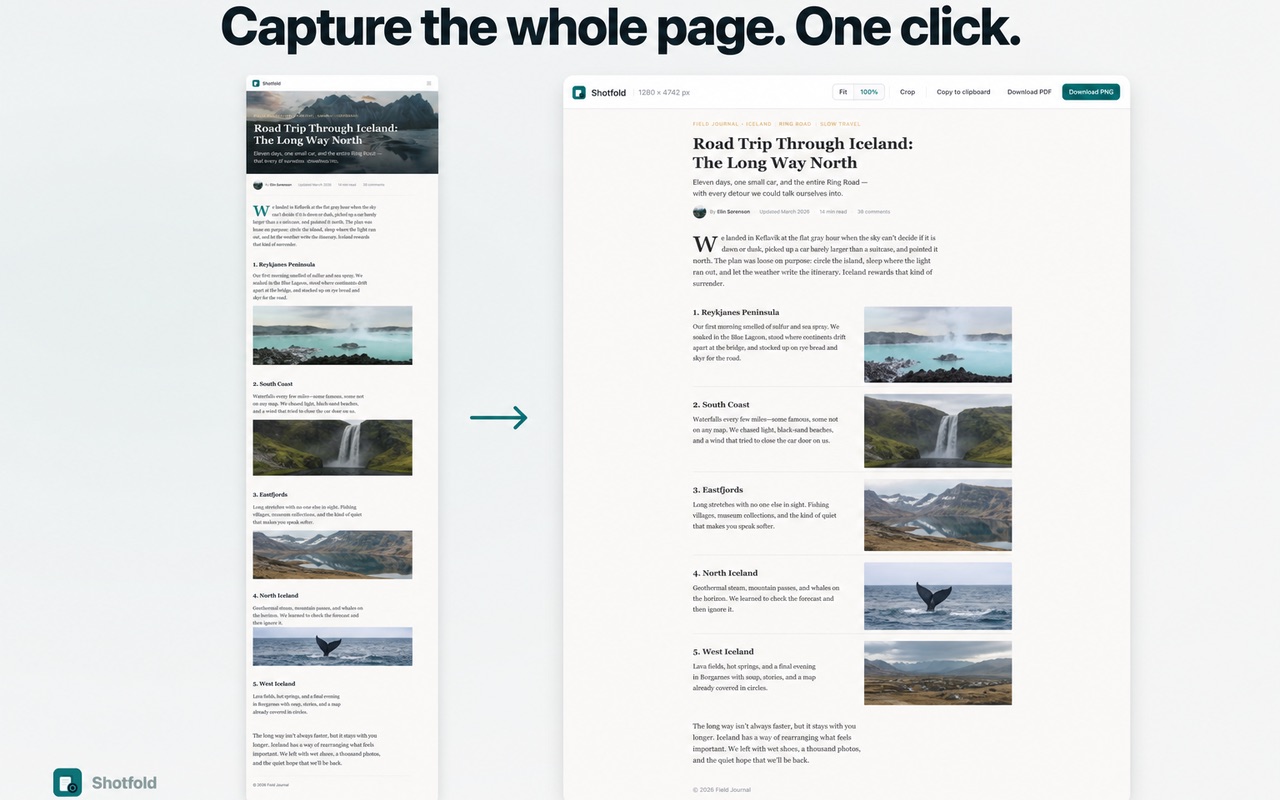
Shotfold is worth a look for one specific reason, and if it does not apply to you then the beta above is the better answer. We built it because the tools we tried mostly wanted an account, or uploaded the capture to a server first. For something whose entire job is photographing whatever is on your screen, including your email, your dashboards and your bank, that felt like the wrong trade.
Shotfold makes zero network requests. Not "we do not sell your data" in a privacy policy: no requests at all. You can disconnect from the internet and every feature still works. There is no server for your screenshots to sit on because there is no server.
| What you probably used GoFullPage for | Shotfold |
|---|---|
| One-click whole-page capture | Yes, toolbar button or Ctrl+Shift+S |
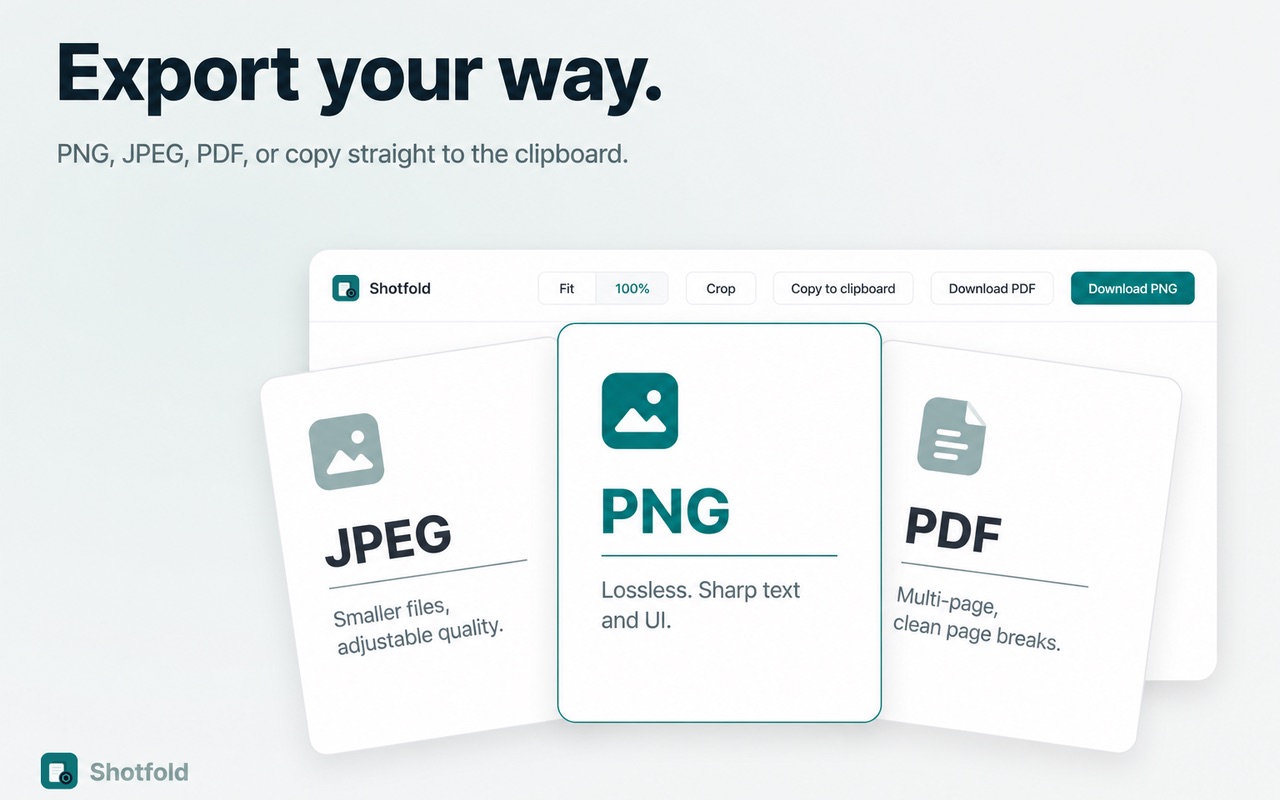
| Save as PNG | Yes, plus JPEG |
| Save as PDF | Yes, generated in the browser |
| Crop before saving | Yes, with zoom so you can see what you are cropping |
| Copy to clipboard | Yes |
| Capture just a region | Yes, drag to select |
| Very long pages | Up to 80,000 pixels tall, split into numbered files past Chrome's canvas limit |
| Account required | No |
| Watermark | No |
| Sends your screenshot anywhere | No. Zero network requests |
“A lot claim they do, then end up not working”
That is a direct quote from someone who spent last week trying replacements. The complaint is always the same: the extension promises a full page and hands back the top of it. Usually it fails on pages that load content as you scroll, or that have a header which sticks to the top and gets stamped down the image over and over.
So rather than claim, here is what we actually ran. These are live sites captured end to end with the current build, checked pixel by pixel, including that the last row of the real page is present in the final image:
| Site | Page height captured |
|---|---|
| The Guardian, front page | 20,940 px, across 3 files, ending on their copyright line |
| GitHub repository page | 8,434 px, sticky header appearing once |
| MDN documentation | 5,491 px |
| Wikipedia article | 4,487 px, down to “Powered by MediaWiki” |
| Stack Overflow question list | 3,361 px |
Two specific things people said the alternatives got wrong, and where we stand:
- Silent truncation. Chrome's own DevTools capture stops around 16,384 px and does not tell you. We go to 80,000 px, split into numbered files past Chrome's canvas limit, and if a page is bigger than that we say exactly how much we got rather than handing you a quietly cut-off image.
- No preview before saving. A common complaint about the newer tools is that they download the file immediately. We open the capture first so you can look at it, crop it, then choose PNG, JPEG or PDF.
- Cropping behind a paywall. This was the most common complaint about GoFullPage itself, from before any of this happened. Cropping is free here and will stay free.
Being straight about the limits
Two things it will not do, so you do not find out the annoying way:
- Chrome itself blocks screenshots of protected surfaces such as
chrome://settings pages and the Chrome Web Store. No extension can capture those, ours included. - Extremely long pages stop at 80,000 pixels of height. When that happens we tell you exactly how much of the page you got rather than quietly handing you a truncated image.
How to switch
- Install Shotfold from the Chrome Web Store.
- Pin it to your toolbar so it sits where GoFullPage used to.
- Optional: set the same keyboard shortcut you had before at
chrome://extensions/shortcuts.
Nothing to migrate. Old screenshots are files on your disk and are unaffected.
Free, no account, nothing uploaded
Full-page capture with crop, PDF export and clipboard copy. Works offline, because it never needed the network to begin with.
Add Shotfold to Chrome